New zone corners and edges can lock onto existing zones so adjoining areas share the same boundary.
Fire alarm zone plans, without the faff.
Draw professional fire alarm zone plans on any device.
ZoneDraw is being built for engineers, fire alarm companies and facilities teams who need clear zone maps without desktop-only software or a toolbar from 2004.
Demo uses a preloaded floor plan. No account. No upload. No download.
×
ZoneDraw
Demo Office · Ground Floor
Saved ✓
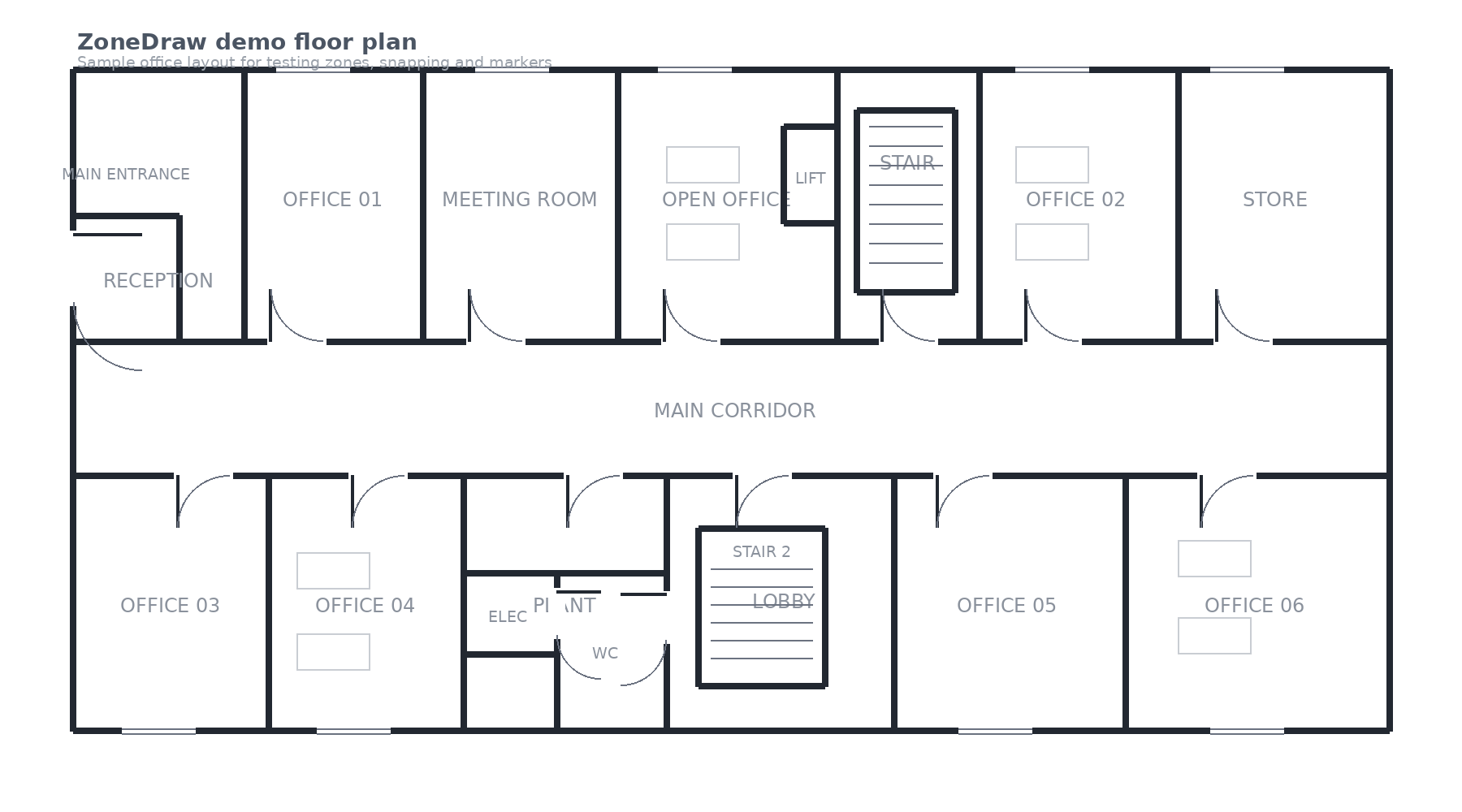
SelectZonesAdd AreaMarkerMore
Built around the job
Keep the clever drawing bits. Lose the clutter.
Quick rectangles for easy rooms and corridors, polygons for awkward layouts.
Large hit areas and a landscape editor designed for fingers, not tiny desktop buttons.
Move individual corners, whole edges, labels and markers without redrawing the entire zone.
The marketing site works normally. The actual editor switches to a focused landscape workspace.
The engine stays neutral so UK zone plans, US zone maps and future templates can share the same editor.
Try first
The demo opens like software, not another webpage.
Press Try Demo and ZoneDraw opens a preloaded drawing in a full-window editor. The public demo deliberately removes upload, export and account controls so people can judge the actual drawing experience immediately.
- 1Open the demoSample plan loads automatically.
- 2Create zonesDraw rectangles or polygons and snap them together.
- 3Edit naturallyDrag corners, edges, labels and markers.
- 4Exit cleanlyThe X returns to the marketing site.
Build in the right order
Product first. Database later.
Full-screen UI, mobile/tablet landscape layout, zones, snapping, markers and polished controls.
Upload own PDF/image, export PDF/PNG, company branding and project details.
Accounts, companies, users, cloud projects, subscriptions and shared templates.
Try the drawing experience.
The demo is intentionally stripped back. If this feels good on a tablet, we’ve got the foundation right.
Open live demo